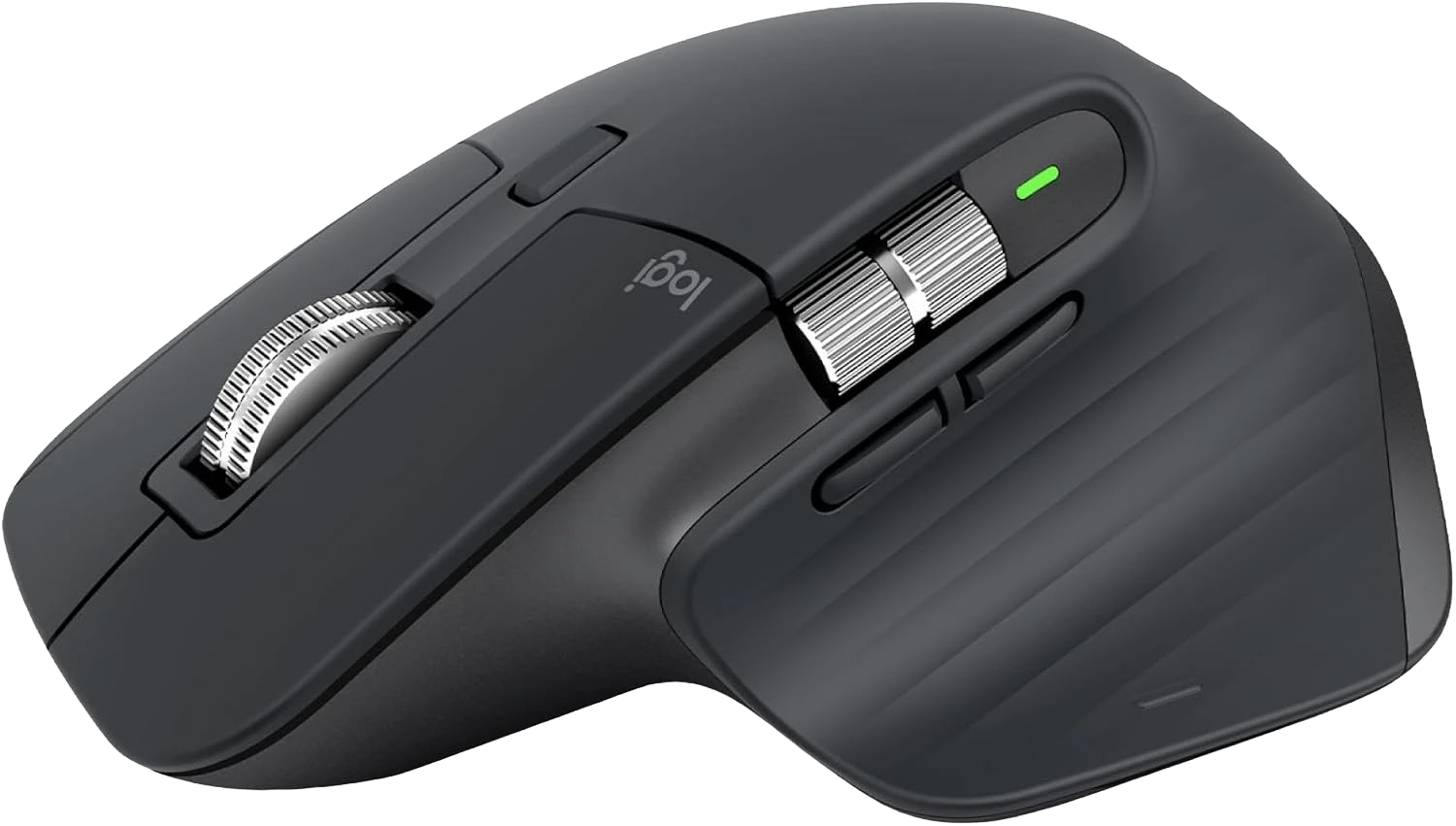
Here's the thing about mice. You don't notice a bad one until you use a good one. Then you can never go back.
What Makes the MX Master 3S Different
Three things: the scroll wheel, the clicks, and the battery.
The scroll wheel uses electromagnets. No mechanical ratchet. You scroll slow, it clicks into notches for precision. You scroll fast, it disengages and freewheels at 1,000 lines per second. One finger flick moves a 5,000-line spreadsheet from top to bottom. That's not an exaggeration.
The clicks are quiet. 90% quieter than a standard mouse. More importantly, they feel good, you feel the click, you just don't hear it echoing across your apartment at 2am.

Battery lasts 70 days. Charges with USB-C. I forgot to charge mine for six weeks and it was still fine.
Who Is This For?
People who work at computers. Designers, developers, writers. Anyone who uses a mouse more than 2 hours a day.
You'll love this if you're still using the $20 mouse that came with your old desktop. This is what a mouse is supposed to feel like.

Skip it if you're a gamer. This is not for gaming. Get a Razer or Logitech G series for that.
The Specs That Matter
- MagSpeed electromagnetic scroll — 1,000 lines per second is real; you'll use it constantly
- 8,000 DPI sensor — adjustable; tracks on any surface including glass desks
- Quiet Clicks — 90% less noise; no more mechanical clicking interrupting your focus
- 70-day battery via USB-C — two-minute emergency charge buys a full day
- Multi-device — connects to 3 computers; switch with a button on the bottom
The Only Real Issue
Right hand only. The shape is ergonomically sculpted for right-handers. Left-handers: look at ambidextrous options from Logitech's MX line.
FAQ
Q: Is the MX Master 3S worth upgrading from the MX Master 3? If you already own the MX Master 3, the 3S adds quieter clicks and a better sensor. Worth it if noise matters to you; skip the upgrade if your 3 is still working great.

Q: Does Logi Options+ work on Windows and Mac? Yes, both. The software is free, stable, and lets you assign shortcuts to buttons, configure scroll behavior, and set device-specific mappings.
Q: How long does it take to fully charge? About 3–4 hours for a full charge via the included USB-C cable. The quick-charge feature gives you a full day of use after just 3 minutes plugged in.
Verdict
$79–$99 for the best mouse you'll ever own. That's the math. Buy it.